
North Carolina Court Dockets Defined
A docket, called the Register of Actions in eCourts Portal, is the dated index of activity in a court case. It can list a complaint, summons, service, motion, hearing, continuance, plea, verdict, order, judgment, sentence, transfer, and appeal. The full case file contains the actual documents behind those entries. A docket may say that an order was entered without displaying the order image, especially when the document is confidential, sealed, paper-only, or not migrated.
North Carolina has one General Court of Justice. Superior Court dockets include felony and higher-value civil cases. District Court dockets cover misdemeanors, infractions, traffic, family, juvenile, and lower-value civil matters. Magistrate small claims and early criminal actions belong to the District Court structure rather than a separate municipal or county court. One Clerk of Superior Court in each county keeps both divisions' records. This unified design gives trial dockets common statewide systems while preserving county custody of the official file.
Find North Carolina Court Dockets Online
eCourts Portal supplies public case information statewide through Smart Search and Hearings Search. All counties use Enterprise Justice, although the depth of older material depends on conversion and digitization. Search by party, business, attorney, bar number, case or record number, citation, cross-reference, or nickname. Then check the county, court type, caption, filing date, and case number before opening the Register of Actions.
- Open eCourts Portal and select Smart Search for a case or Hearings Search for a calendar event.
- Enter the best identifier available, then narrow results by county, case type, date, or status.
- Verify the caption, division, location, and filing date before selecting a result.
- Read entries in date order and open any public images needed for context.
- Contact the filing county's clerk for a missing image, archived file, or certified copy.
The Portal training and resources explain anonymous, registered, and elevated access. Registration saves cases but does not unlock restricted data. The image below shows the official training source.
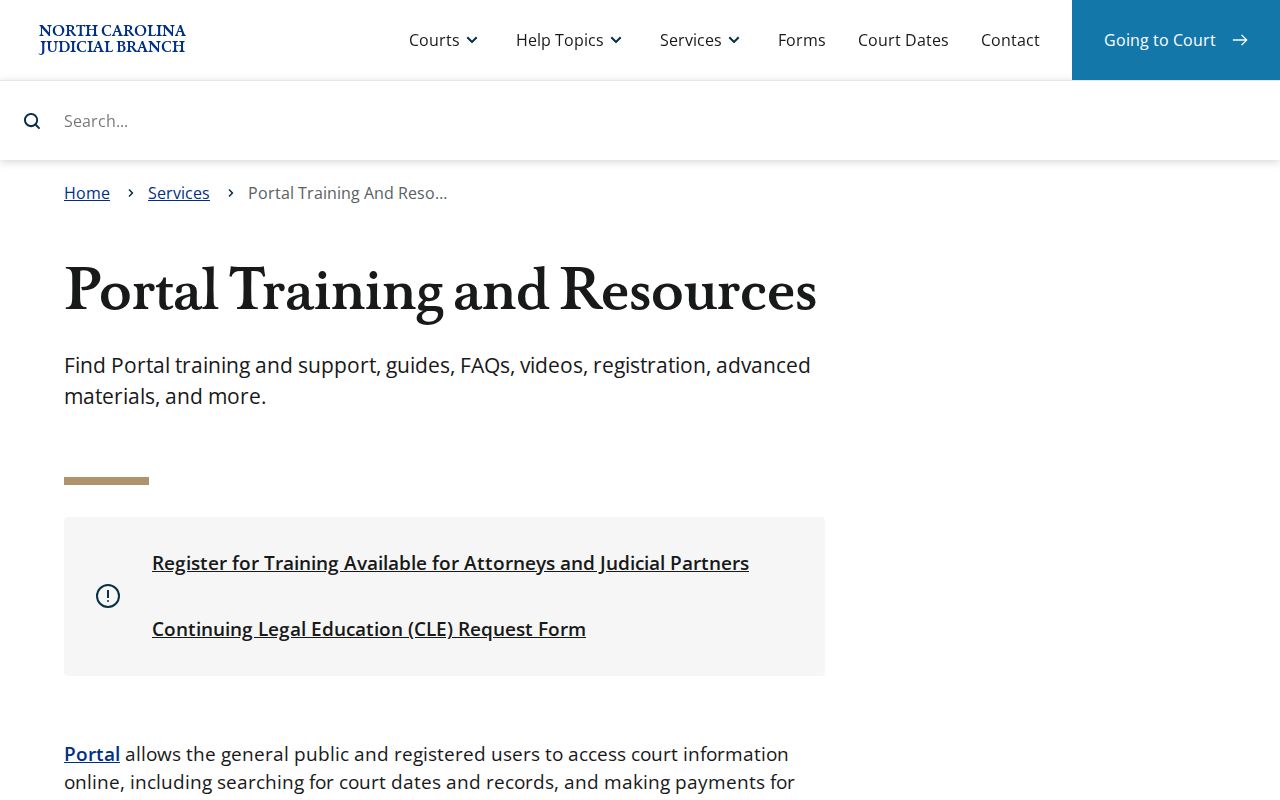
Training materials help distinguish a broad Smart Search from a hearing query and explain why some entries or documents cannot be viewed.
Read North Carolina Docket Entries
Each line records an event, not the entire legal meaning of that event. The filing date identifies when the clerk recorded a paper or system action. The event label describes the action in a short form. A party field may identify who filed it, and a document number or image link may lead to the public filing. Hearing entries can show date, time, location, type, judicial officer, and status, but a scheduled date is not proof the hearing occurred.
| Field | What It Shows |
|---|---|
| Entry or filing date | When the event or submitted document was recorded on the docket |
| Event type | A short label for filing, service, hearing, continuance, order, plea, judgment, or appeal activity |
| Filing party | The plaintiff, defendant, petitioner, respondent, State, or attorney associated with the entry |
| Document number or link | A reference to an image when that filing is public and available online |
| Hearing details | Date, time, courtroom or location, hearing type, judicial officer, and current status where recorded |
| Disposition | The outcome of the case or a single charge, which can include dismissal, conviction, acquittal, or transfer |
| Financial event | Assessment, payment, balance, restitution, cost, or due-date information when public |
Common plain-language concepts matter more than guessing at an unexplained abbreviation. A continuance moves an event to a later date. A disposition is an outcome, not always a conviction. A stay pauses proceedings or enforcement. Trial de novo means a new trial rather than a review limited to error. When a code remains unclear, the clerk can identify the record label but cannot interpret its legal effect.
North Carolina Courts With Dockets
Portal aggregates public trial information from Superior Court, District Court, and magistrate matters recorded in Enterprise Justice. It may show criminal, civil, family, estate, special proceeding, small claims, and traffic events. Juvenile, adoption, involuntary commitment, expunged, sealed, and protected information remains limited. The county clerk's file controls when an online line differs from the official record or when older material is absent.
- Superior Court: felony, higher-value civil, Business Court, and qualifying de novo appeal events.
- District Court: misdemeanor, infraction, traffic, domestic, juvenile, and lower-value civil dockets, subject to access limits.
- Magistrate matters: small claims and early criminal process entered within the District Court structure.
- Appellate courts: separate public appellate case, opinion, document, and filing services for the Court of Appeals and Supreme Court.
File & Serve is a filing channel, not the same thing as public docket viewing. Attorneys must electronically file where the rules require it, while self-represented options vary by matter. The official training source shown below explains North Carolina's trial-court e-filing process.
Review North Carolina File & Serve training resources.
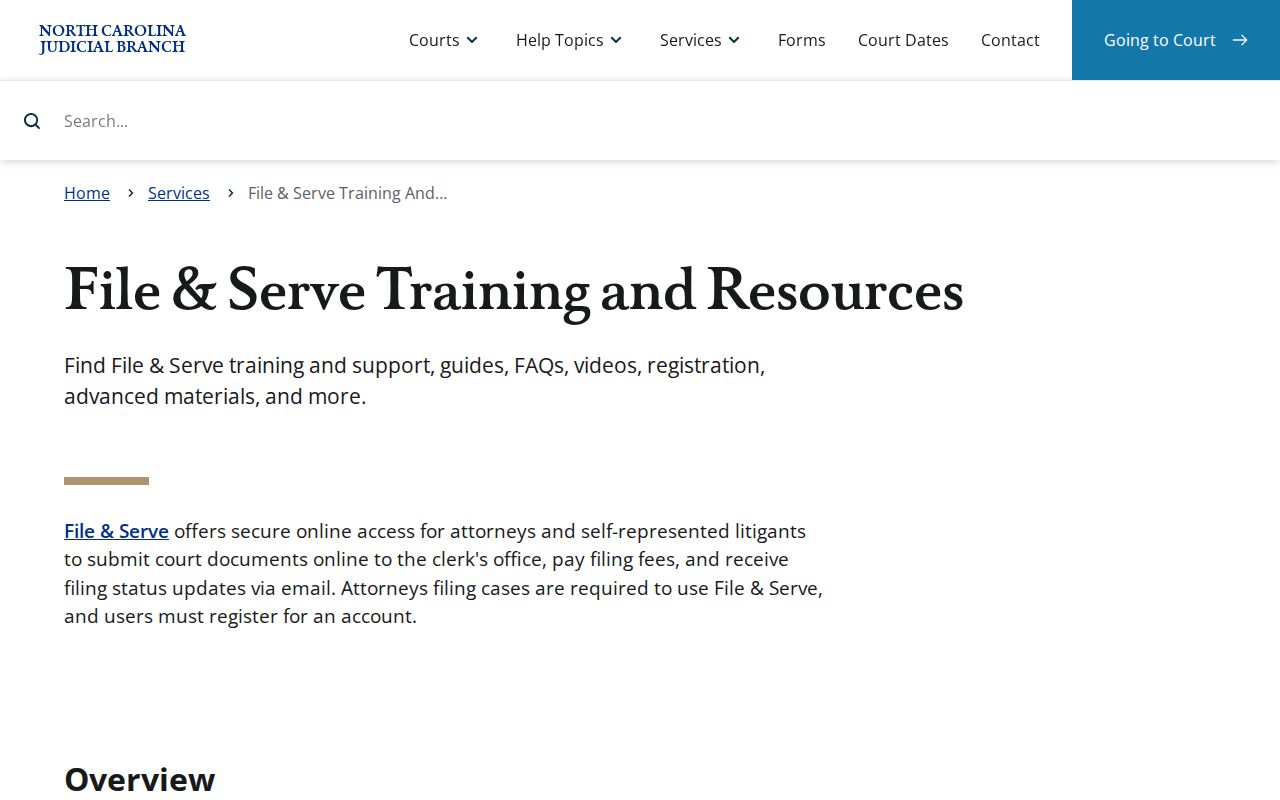
An electronically filed document still appears on a public docket only according to access rules and the case's record status.
Docket vs. Full Case Record
A North Carolina docket is the chronological index of case events. The full record holds pleadings, motions, affidavits, exhibits filed with the court, orders, judgments, warrants, citations, plea transcripts, and appeal papers. Both are maintained by the county Clerk of Superior Court for trial matters, but Portal may expose the index and only some public images. A clerk request, public-terminal search, archive retrieval, or counter visit may be required for the rest.
| Docket | Full Case Record | |
|---|---|---|
| Format | List of entries | Full documents |
| Access | Public Portal or clerk terminal | Public images plus clerk inspection or copy request |
| Use | Track case progress | Legal review, evidence |
Interpret North Carolina Court Dockets
Begin with the header. Verify the record number, caption, county, court type, case type, filing date, and status. Then read the Register of Actions from oldest to newest. A pending status means the case remains open. Disposed or closed generally means the court has entered an outcome, but a later motion, appeal, or reopening event may follow. Each criminal count can have its own disposition, so do not treat one dismissed charge as the outcome of every count.
Dates need context. An offense date is not the filing date. A scheduled hearing date is not a disposition date. A judgment date can differ from a later financial due date. For criminal matters, a plea and a sentence are separate events. For civil matters, an interlocutory order decides an issue before final judgment. A notice of appeal begins review but does not itself reverse the result.
Note: Always verify an upcoming hearing with the filing county because continuances and courtroom assignments can change after an online search.
Federal Dockets in North Carolina
Federal dockets are not stored in eCourts Portal. North Carolina has Eastern, Middle, and Western U.S. District Courts, with appeals to the U.S. Court of Appeals for the Fourth Circuit. The court's official page is represented below.
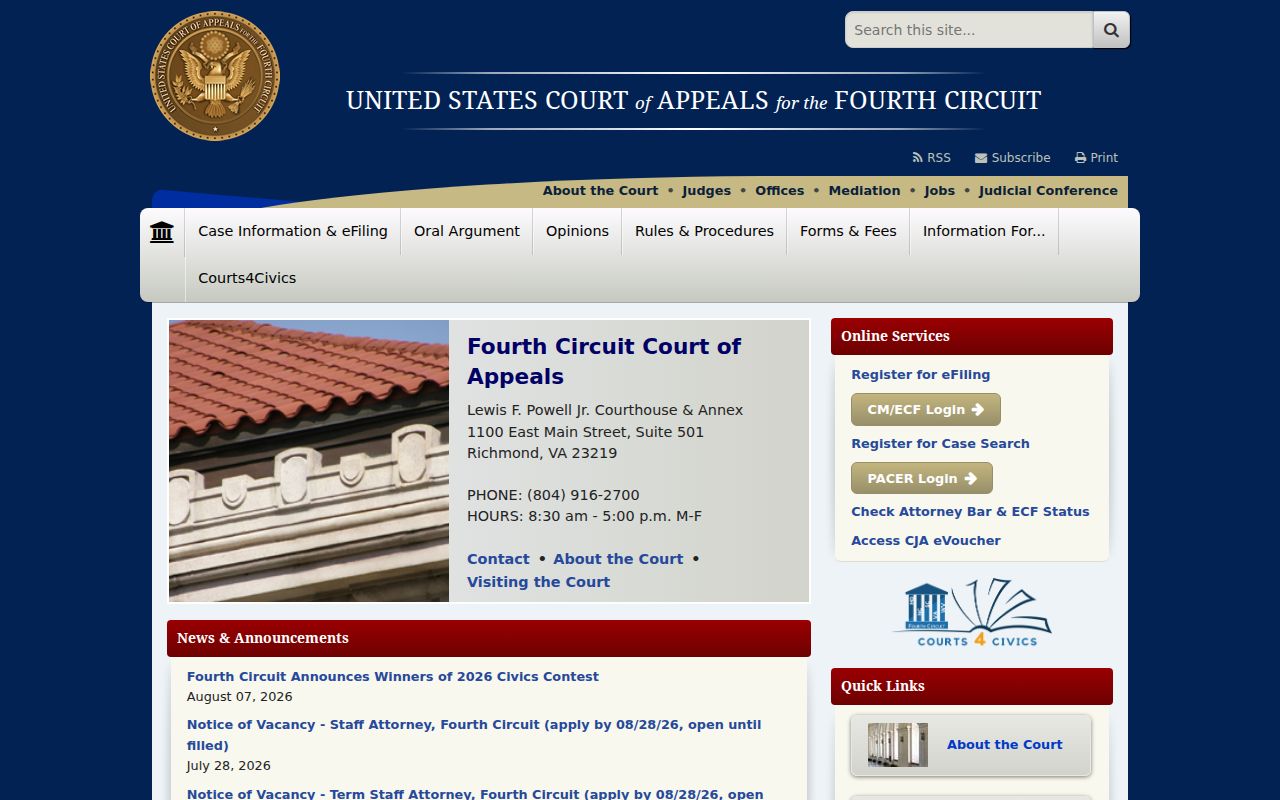
The Fourth Circuit reviews federal district matters; it is not the next court for an ordinary North Carolina Superior or District Court appeal.
PACER is the official federal public-access system. Registration is required, and judiciary-set charges can apply to reports and documents under current billing and exemption rules. A federal docket commonly lists the case number, nature of suit or offense, judge, parties, counsel, filing dates, entry numbers, and document links.
The official PACER service is shown in the next image.
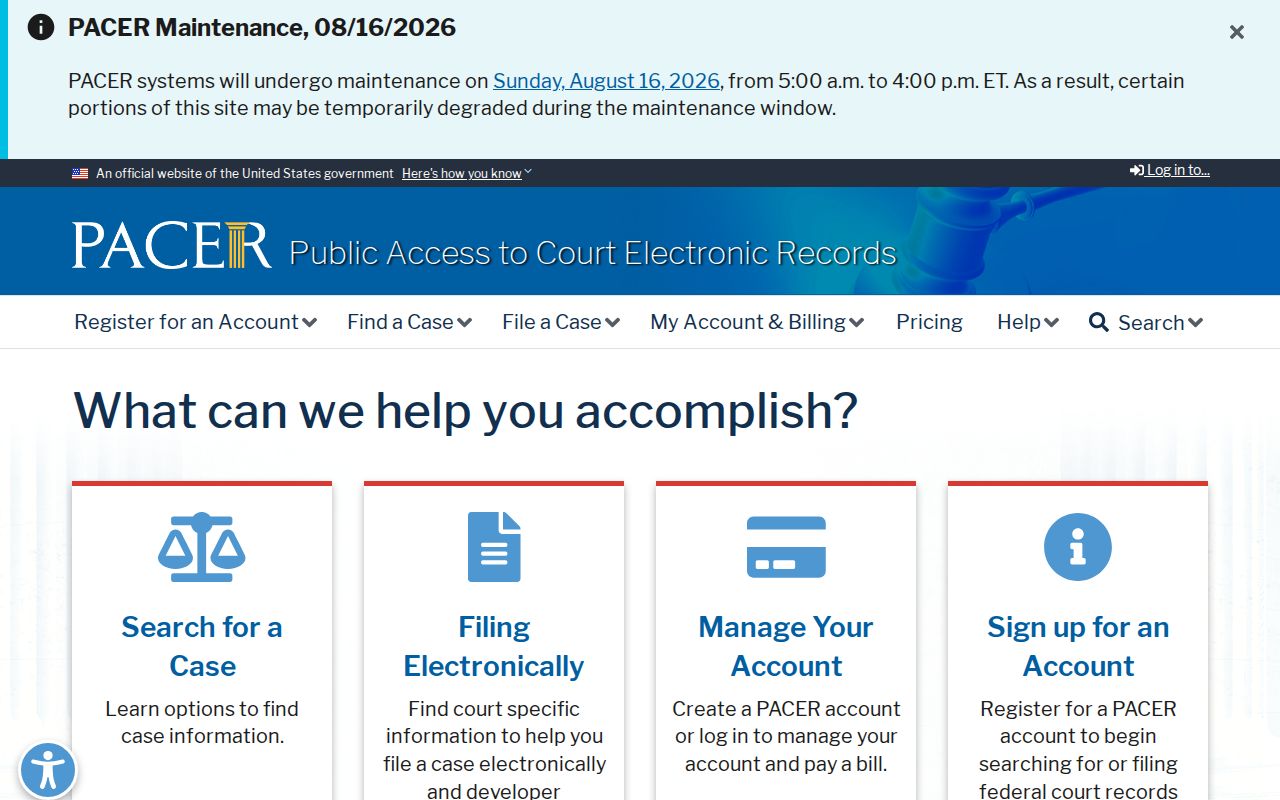
PACER supplies the official federal docket route, while certification must come from the relevant federal court clerk.
CourtListener offers free opinions and some RECAP-contributed dockets and documents. Its coverage depends on contributions, so it is not an official or complete record. The image below represents that free research option.
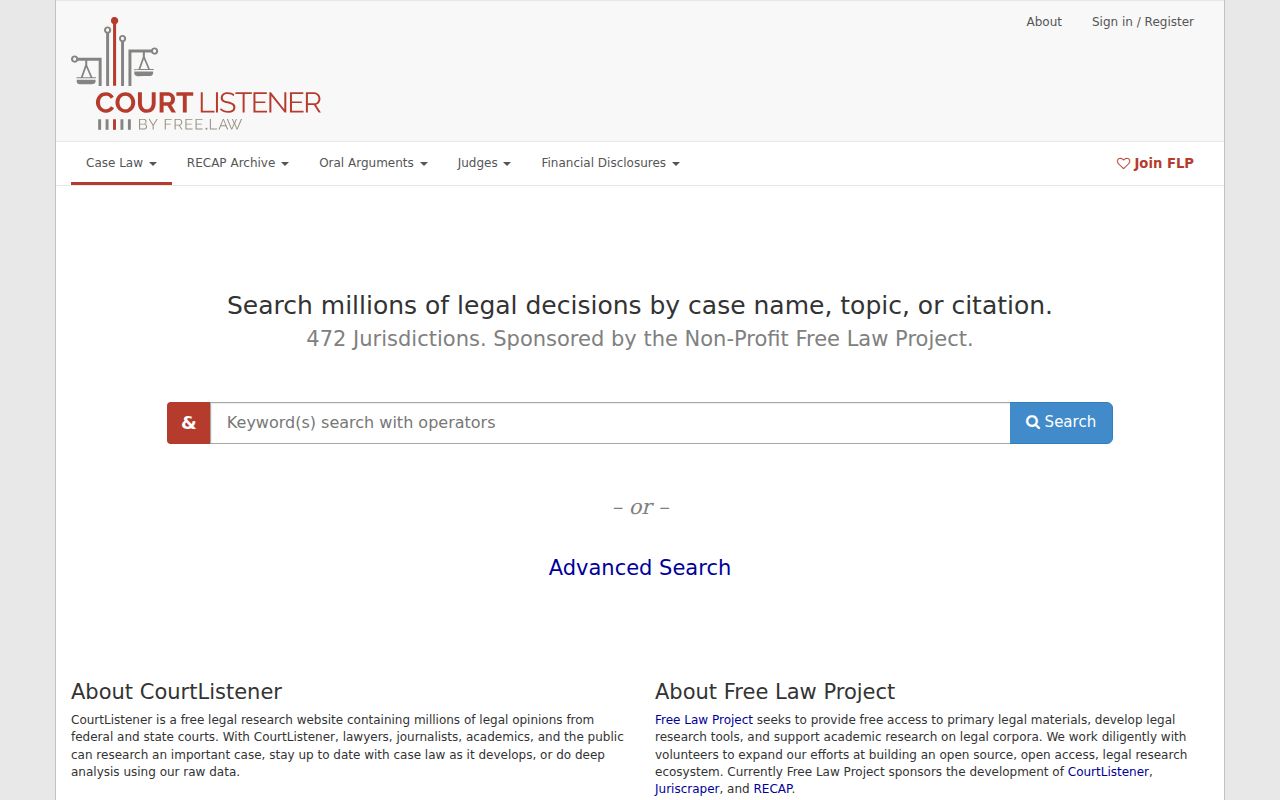
Use CourtListener for research, then use PACER or the federal clerk when completeness or an authenticated copy matters.
Locate North Carolina County Dockets
The online docket identifies the filing county, but the local Clerk of Superior Court remains the legal custodian. Open the North Carolina county directory for the right local court site. Ask the civil, criminal, estate, or special-proceedings division for the file number and document needed. County offices can also explain accepted mail or email methods, archive retrieval, and copy charges.
If a party search returns nothing, try alternate spellings, a full case number, a citation, or a narrower date and location. An absent online result can reflect older paper material, a sealed or confidential case, an expunction, or a search mismatch. It does not prove that no matter exists. For docket terms and document content across case types, the broader North Carolina court records page explains the public file and its limits.
Use a public terminal when a remote search is too broad or when an older index needs closer review. Official guidance allows criminal searches by defendant, case number, or victim and witness name, and terminals also cover civil, estate, and special-proceeding indexes. Bring the most exact identifiers available. Once the docket is found, name the specific filing or date needed rather than requesting every paper without distinction.
North Carolina's Judicial Branch public-record form serves administrative records held by NCAOC and other branch offices. It does not replace a request to the county clerk for a case document. Likewise, a police incident report, jail booking, or prosecutor's work file is not part of the neutral court docket merely because the same event led to charges. Direct each request to the agency that created and keeps that record.