
Search North Carolina Court Records
eCourts Portal is the official statewide starting point for North Carolina court records. All counties now use Enterprise Justice, also known as Odyssey. Anonymous visitors can use Smart Search and Hearings Search. A free account can save matters under My Cases, but registration does not reveal confidential content. Portal results can show parties, charges, events, hearings, judgments, balances, and public document images. They are informational, not certified. Historical depth also varies because older paper files may have only an index or docket entry online.
Gather the full party or business name, county of filing, and case, citation, or cross-reference number when known. Confirm the county, court division, filing date, and caption before relying on a match. Broad names often need filters for case type, status, location, or date. If a document image is missing, the reason may be confidentiality, a sealing order, incomplete migration, or a paper-only original. The county clerk is then the next channel, not a different private database.
- Open eCourts Portal and choose Smart Search or the hearings module.
- Enter a party, business, attorney, case number, citation, cross-reference, or nickname, then add filters if the result set is broad.
- Open the likely case and verify its county, division, caption, filing date, and record number.
- Review the Register of Actions, hearings, financial entries, and any public document images.
- Use the county clerk's terminal, counter, mail, or email process for missing material and request certification when an official copy is required.
The Judicial Branch record instructions distinguish online information from an official file. Public terminals at clerk offices can search criminal matters by defendant, case number, or victim and witness name, while civil, estate, and special proceeding indexes are also available. Staff can help locate an existing file but cannot research a legal issue or give advice.
The official instructions are illustrated in the following image.
View the North Carolina Judicial Branch routes for obtaining court records.
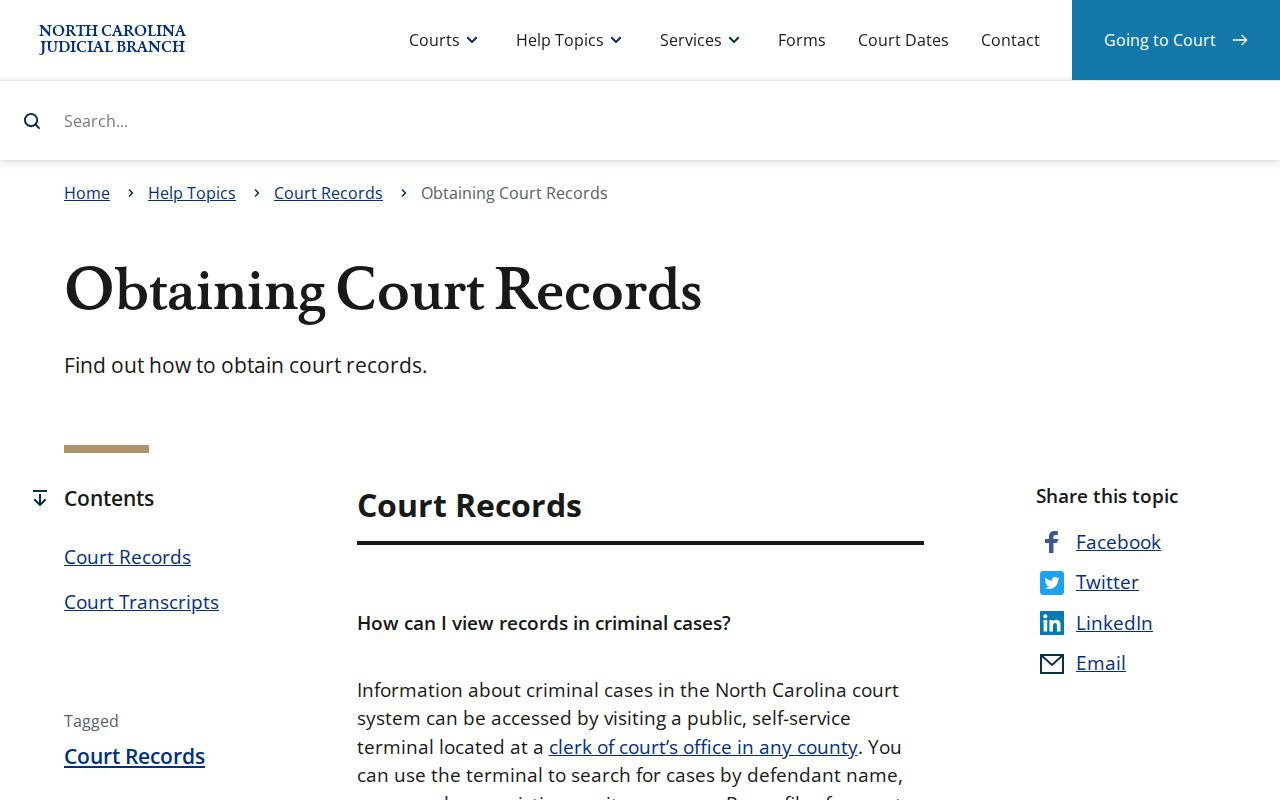
The route selected depends on whether the user needs a public case summary, an imaged filing, or a clerk-certified document.
North Carolina Court Record Fields
Portal offers several search modules rather than one fixed name box. Smart Search accepts names and identifying numbers. Hearings Search is useful when the date or courtroom matters, while Judgment Search focuses on debtor and creditor criteria. Controls may change as the service is updated, so searchers should use the labels currently displayed and consult the official Portal training resources when a filter is unclear.
| Field Label | Type | Required | Notes / Format |
|---|---|---|---|
| Smart Search | Text | Yes | Party, business, case or record number, citation, attorney, bar number, cross-reference, or nickname |
| Advanced Filtering Options | Expandable filters | No | County, case type, date range, status, and party filters appear as relevant |
| Search Hearings | Module | No | Case, party, business, attorney, judicial officer, or courtroom |
| Judgment Search | Module | No | Judgment debtor, creditor, and record criteria |
| Register or Sign In | Account control | No | Anonymous search works; registration enables saved cases |
| Make Payments | Case action | Only for payment | Available for eligible criminal and infraction balances |
North Carolina also licenses data products for qualified users through the Remote Public Access Program. Those agreements can involve fees, security duties, use limits, and rules on redissemination. They are designed for approved bulk or recurring access, while Portal remains the practical choice for an individual case search.
The Remote Public Access option has a separate official description.
Review the North Carolina remote public access program.
This licensed route does not replace the clerk's authority over certified or non-digitized court records.
Types of North Carolina Court Records
North Carolina's General Court of Justice creates records at several levels. Superior Court files cover felonies, civil disputes above the statutory threshold, Business Court designations, and some appeals tried anew from District Court. District Court creates misdemeanor, infraction, traffic, family, juvenile, and lower-value civil files. Magistrates handle small claims and several early criminal processes as officers of District Court. The Clerk of Superior Court also acts as probate judge for estates and many special proceedings.
One elected Clerk of Superior Court in each county keeps records for both trial divisions. There is no separate county or municipal court system. The office that holds the judicial file is therefore selected by county and case division, not by choosing between independent county and city courts. Law enforcement reports, jail bookings, driving histories, vital certificates, and Register of Deeds instruments remain outside the court file.
- Civil: complaints, answers, service, motions, orders, judgments, liens, and appeal notices.
- Criminal and traffic: charging papers, conditions of release, pleas, rulings, sentences, costs, and appeal events.
- Family: divorce, property division, support, custody, protective-order, and related filings, subject to redaction.
- Estates and special proceedings: wills, applications, fiduciary papers, inventories, accounts, guardianships, and clerk orders.
- Juvenile and sensitive proceedings: controlled records that do not receive ordinary public Portal access.
What North Carolina Court Records Show
A case summary identifies the matter and traces its status. The Register of Actions is a chronological index, not proof that every listed hearing occurred as first set. A continuance can change the date, and a docket label does not supply the full content of a motion or order. Public document images are only a subset of the official file. Protected addresses, financial identifiers, and other confidential details may be masked even when the surrounding record is open.
| Field | What It Shows |
|---|---|
| Case number and caption | The displayed file or record number and the formal names of the parties |
| Court and location | County, Superior or District division, hearing location, and courtroom or judicial officer when recorded |
| Dates and status | Filing, service, hearing, disposition, judgment, sentence, appeal, closure, and current status entries |
| Parties and counsel | Plaintiff, defendant, petitioner, respondent, State, aliases, and attorney roles, with protected data suppressed |
| Charges | Offense description, statute, class, count, plea, finding, disposition, and sentence where public |
| Register of Actions | Filings, service, hearings, continuances, orders, judgments, transfers, and appeal events in date order |
| Financial entries | Public costs, fines, restitution, payments, balances, and due dates for the case |
| Documents | Available images of complaints, petitions, motions, notices, orders, judgments, or other public filings |
Disposition means the outcome of a case or of one charge. It is not always a conviction. A dismissal, acquittal, transfer, or other result may appear. Likewise, “pending” means the matter is still active; it does not establish guilt or predict a final ruling.
North Carolina Court Record Access
G.S. 7A-109 directs clerks to keep prescribed files, dockets, and indexes and makes those records open during regular office hours unless another law bars access. G.S. 132-1 broadly defines public records, while G.S. 132-6 addresses inspection and copies at reasonable times under reasonable supervision. A specific confidentiality law still controls over these general rules.
The clerk can charge the state-authorized copying and certification fees and may need time to retrieve an archived file. Plain, certified, and exemplified copies serve different needs. Certification authenticates a clerk copy. Exemplification, sometimes called a triple seal, is a more specialized form. The current Judicial Branch court-cost charts are safer than relying on an old dollar amount because rates and case-specific components can change.
The official public-access statute is shown below.
Read the North Carolina clerk recordkeeping and inspection law.
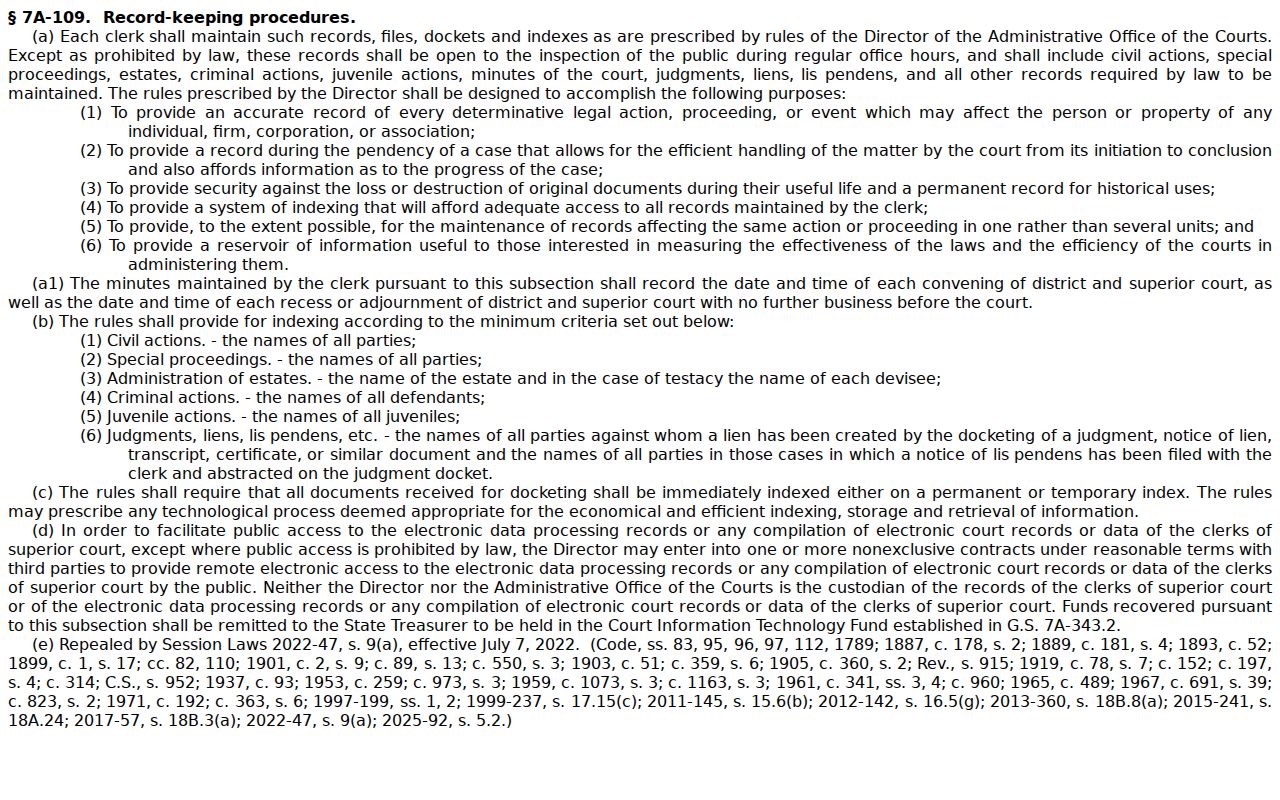
The statute supports inspection of open judicial records while preserving restrictions imposed elsewhere in law.
Note: Open inspection does not make every document public, and online availability is narrower than lawful access to the county file.
Restricted North Carolina Court Records
Juvenile, adoption, and involuntary commitment files are not ordinary public court records. G.S. 7B-3000 limits juvenile-file inspection to listed persons, agencies, and others with legal authority. A judge may seal a document or file under governing law. Social Security numbers, account numbers, protected addresses, health facts, and identifying details about minors or victims may also be redacted from an otherwise public filing.
An expunction removes qualifying records from ordinary public access under a statute tied to the event and outcome. North Carolina does not use one universal petition for every case. The correct statewide AOC form and eligibility rules can depend on whether the result was a dismissal, acquittal, eligible conviction, juvenile matter, or another category. Petitions are filed with the Clerk of Superior Court in the county of charge or conviction. Some require affidavits, service on the district attorney, record checks, and a hearing.
The filing fee is generally $175, although specified dismissal and not-guilty categories may be free, subject to the diversion exception and indigency process. The official expunction instructions should be checked for current forms and rules. Even after an order, limited confidential indexes and private copies made earlier may remain outside ordinary public searches.
Request North Carolina Court Documents
A request for an actual case document goes to the county Clerk of Superior Court. Identify the case number, party, document title, and approximate filing date. Ask whether the office accepts email or mail requests and whether an archived file must be retrieved. The clerk can explain the procedure but cannot create a report that does not exist or choose documents for a legal purpose.
The Judicial Branch public-record request form is meant for administrative records held by NCAOC and other Judicial Branch offices. It is not a shortcut around a county case-file request. The image below identifies that separate request route.
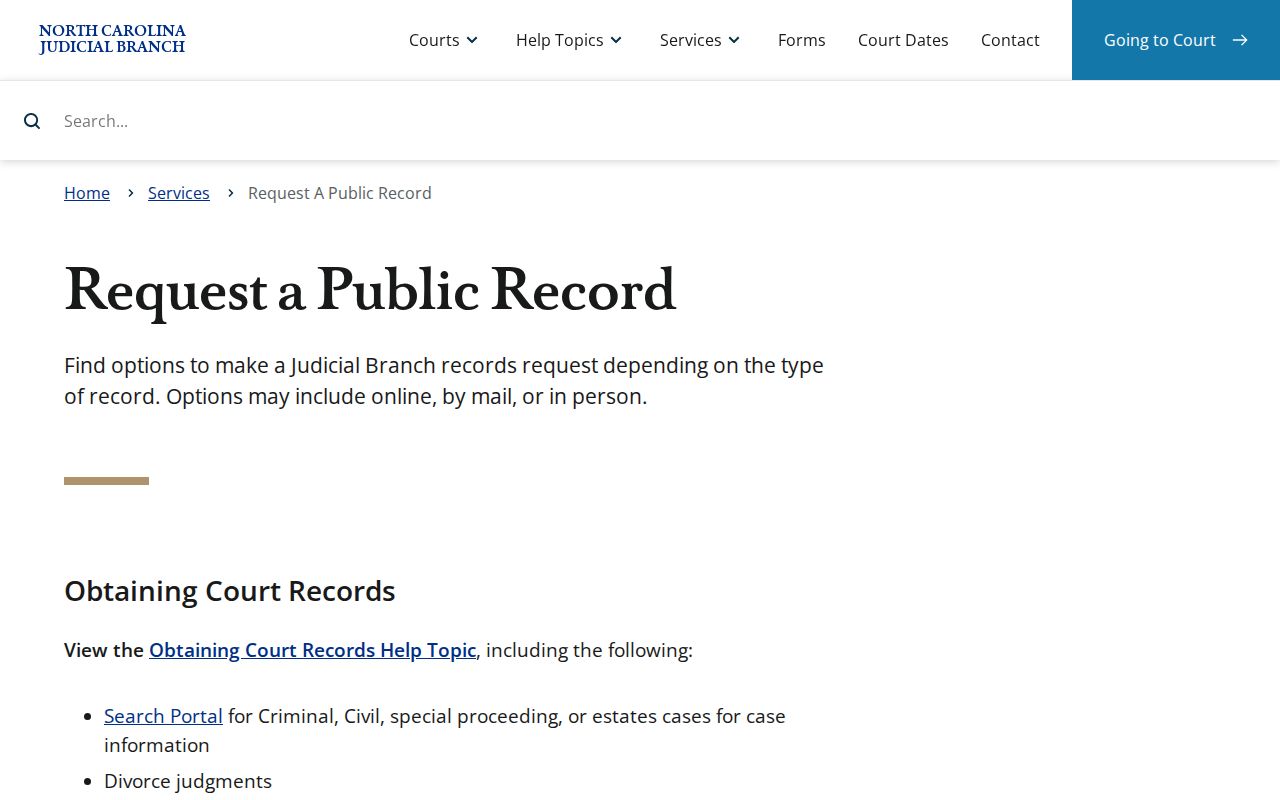
Choosing the custodian at the start avoids sending a case-file request to a statewide administrative office that does not hold the original document.
Costs depend on the item. Copying, certification, exemplification, searches, recordings, mailing, and payment technology can carry separate charges. Civil, estate, and special-proceeding filings also have their own current charts. The source below keeps those schedules together.
Check the official 2026 North Carolina court-cost publications.
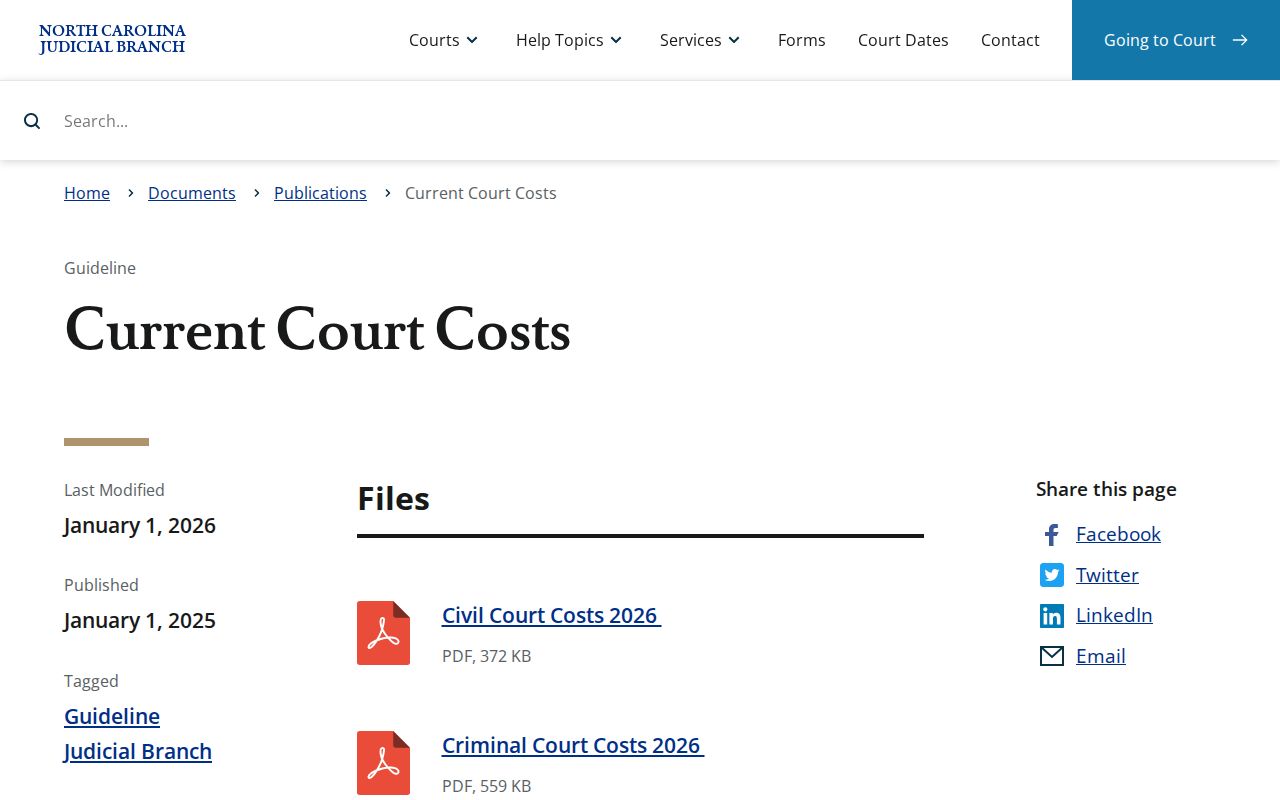
The current chart and the county clerk should confirm the total for the exact service, including any mailing or case-specific component.
Find North Carolina Court Records Offices
Each North Carolina county elects one Clerk of Superior Court, and that unified office maintains both Superior and District Court files. Use the county directory to reach the county where the case was filed. The judiciary's Locations directory also supplies official courthouse and clerk information. For a fuller explanation of the office's trial-record, estate, and special-proceeding duties, see the North Carolina clerks page.
When the filing county is unknown, start in Portal and use the location filter. A party may have matters in more than one county, so verify each caption and file number. Once the right county is clear, ask its relevant civil, criminal, estate, or special-proceedings section about the file. Police reports go to law enforcement, marriage instruments to the Register of Deeds, driver histories to NCDMV, and correctional records to the Department of Adult Correction.
Tip: Use the county shown on the case summary, not a party's current home county, when requesting the official file.